
How to create a pickpoint (point of sale or collection)
What is a Pickpoint?
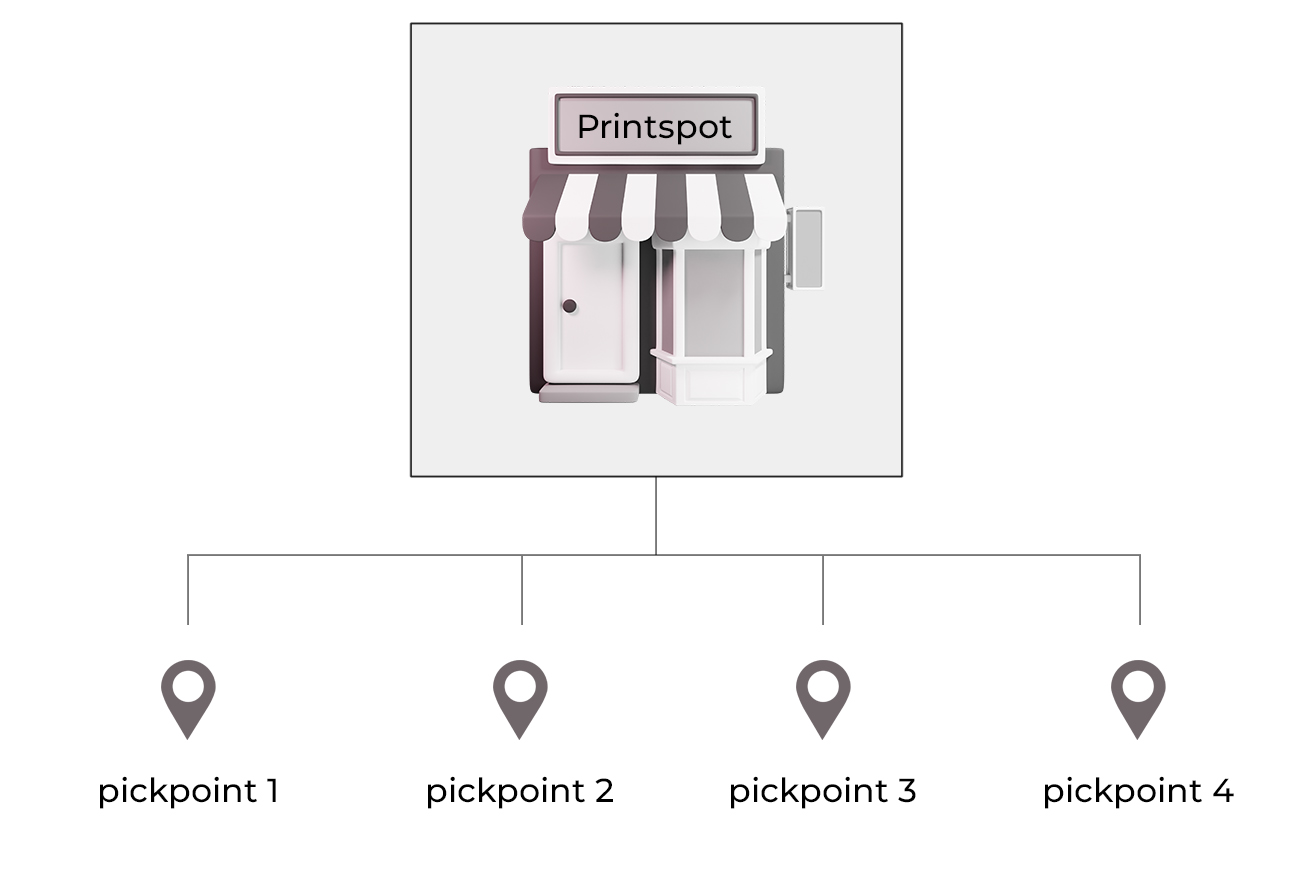
In Printspot, it is possible to register multiple physical locations to offer consumers as a point of sale or collection.
Let’s take the example that we have a small chain of stores located in different towns. The customer could place the order online and pick up the order at the nearest location. Furthermore, Printspot can automatically suggest the nearest store thanks to the user’s device geolocation.
Let’s see how to create each of these points.
How is a Pickpoint created?
First, we will access our administration panel, section Settings – New Location.
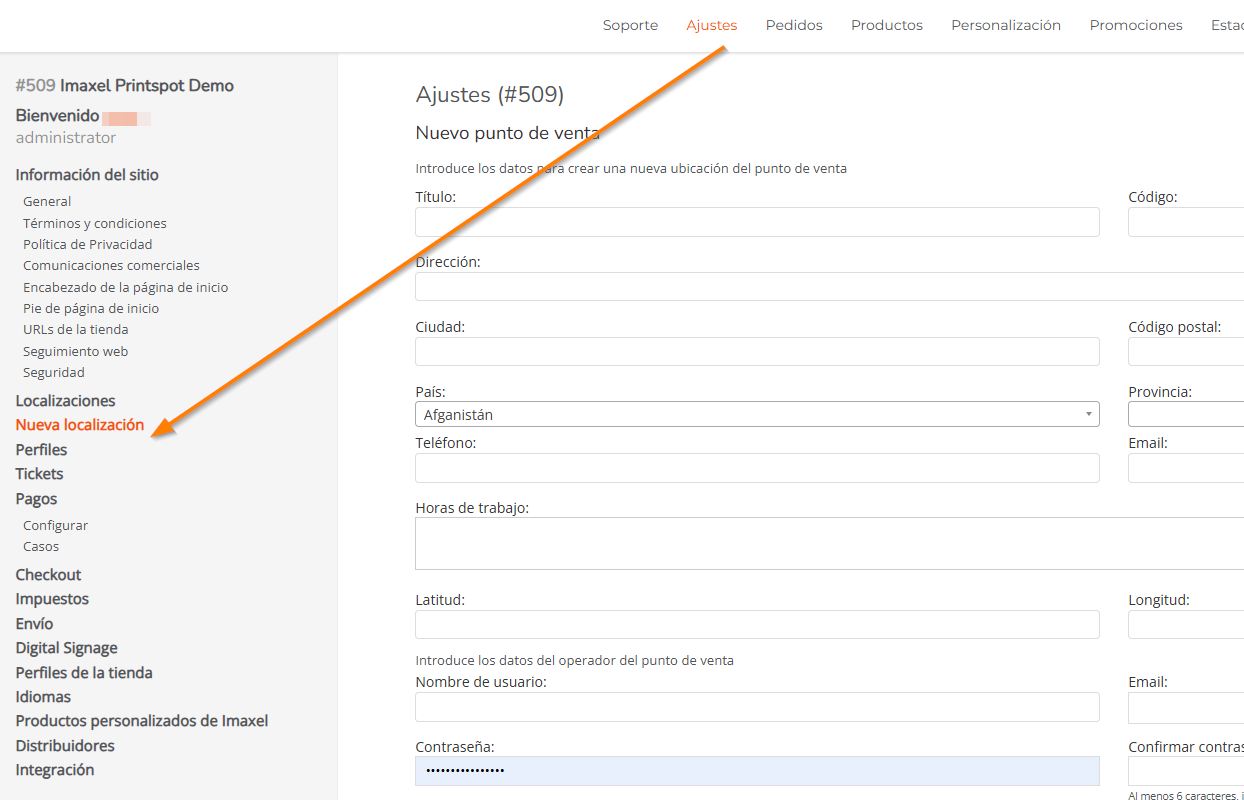
A form is displayed for us to fill in with the following fields:
- Title: This is the title you want to give the store, e.g. Zaragoza Store
- Code: This is a code we assign to the store, which will be part of its access URL. We will see this in more detail in this section. It must be a code without spaces or accents.
- Address / City / Postal Code / Country / Province: Postal data for the store or collection point
- Phone / Email: Contact details for the store or collection point
- Working Hours: Business hours for the store or collection point
- Latitude / Longitude: GPS data for the store or collection point location. Without them, Printspot will not be able to suggest the nearest store to the user’s device.
- Store Operator Data
In the store chain model, we have different user roles depending on the needs to be met. On one hand, we have a supervisor user who can manage data and orders for all stores. On the other hand, each store can have its own access user to the administration panel, where only the store or collection point’s own options will be listed. e.g. the operator user of the Zaragoza store will only see the orders that have been placed in their store- Username: of the store operator
- Email: Access email (can be the same as the contact details for the store or collection point)
- Password / Confirm Password: Access password
User Roles
Has access to the store’s own configurations: Product Catalog, appearance customization, payment method configuration, shipping, or taxes… In addition, they can view sales statistics and orders from all stores or collection points.
Has access to the sales statistics and orders of their specific store, in addition to the tools that allow for the proper management of orders, such as